Business cards, posters, banners, menus, brochures, packaging, campaign material, and more.
Promote Printing.zone through a unique partner identity and generate attributed print orders.
Register selected print and connect it to a KLIPPS framework using image recognition, QR, or the K marker.
CreateOrderDistributeConnect
Physical print.
Connected potential.
Print can work independently as physical media or become a recognised entry point into a live KLIPPS framework.
PRINTING.ZONECreate the print.
Create the print.
Connect the experience.
Printing.zone gives businesses, creators, printers, and partners one place to create, order, distribute, and promote physical print, with optional connection to a live KLIPPS framework.
A standalone print platform with a route into KLIPPS.
CREATE
PRINT
Prepare print for businesses, creators, campaigns, hospitality, events, products, and customer communication.
ORDER
PRINT
Place print orders through Printing.zone for production, fulfilment, and distribution.
Connect selected print to a KLIPPS framework using image recognition, a QR code, or the K marker.
Promote Printing.zone. Generate attributed
print orders.
Printed work in the world
PROMOTE PRINTING.ZONE
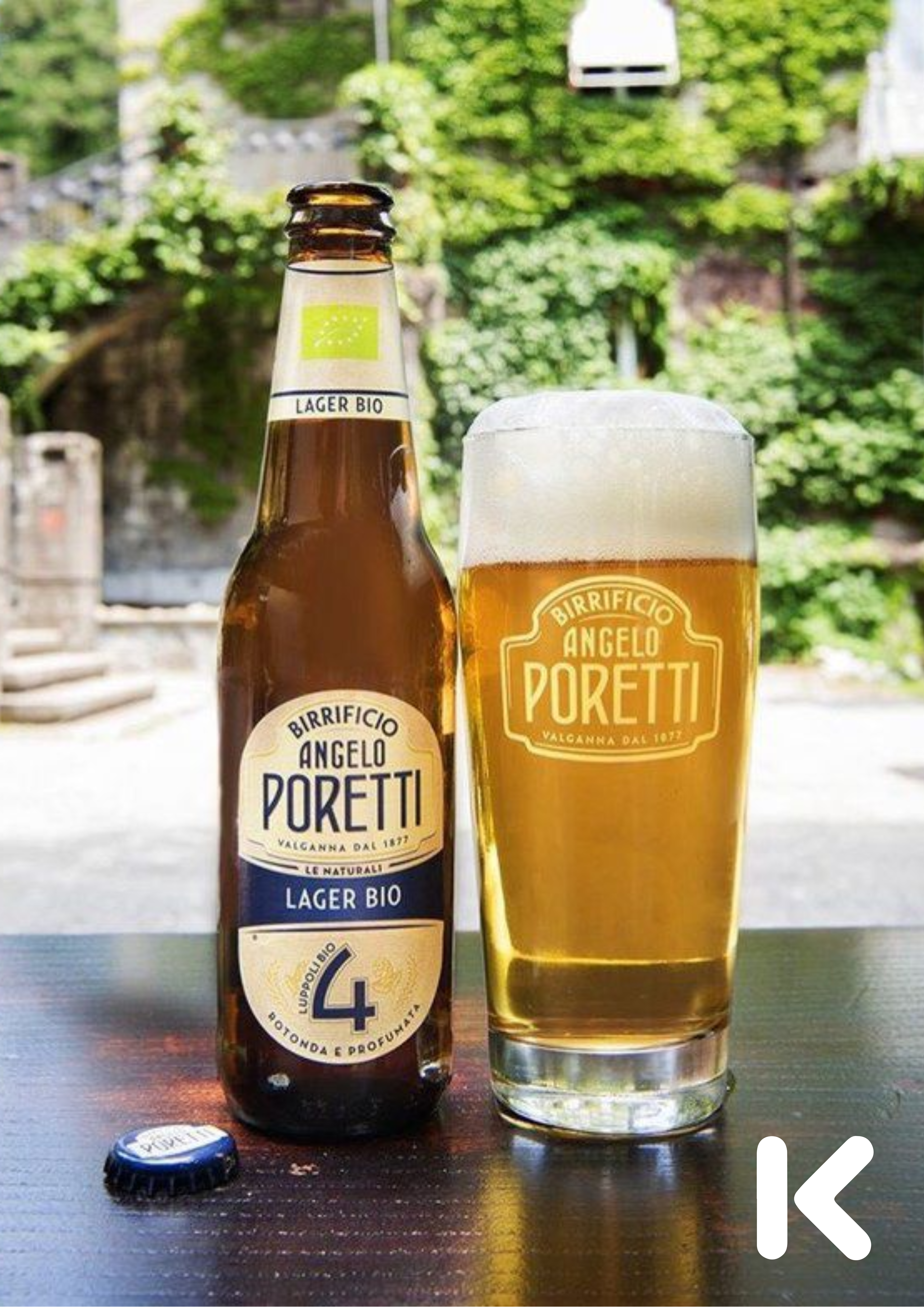
Use a shared global print brand to attract businesses, creators, campaigns, communities, and local customers, while retaining attribution to your partner identity.
 PRINT / 02
What can be createdPrint for businesses, creators,
Print for businesses, creators,
campaigns, and communities.
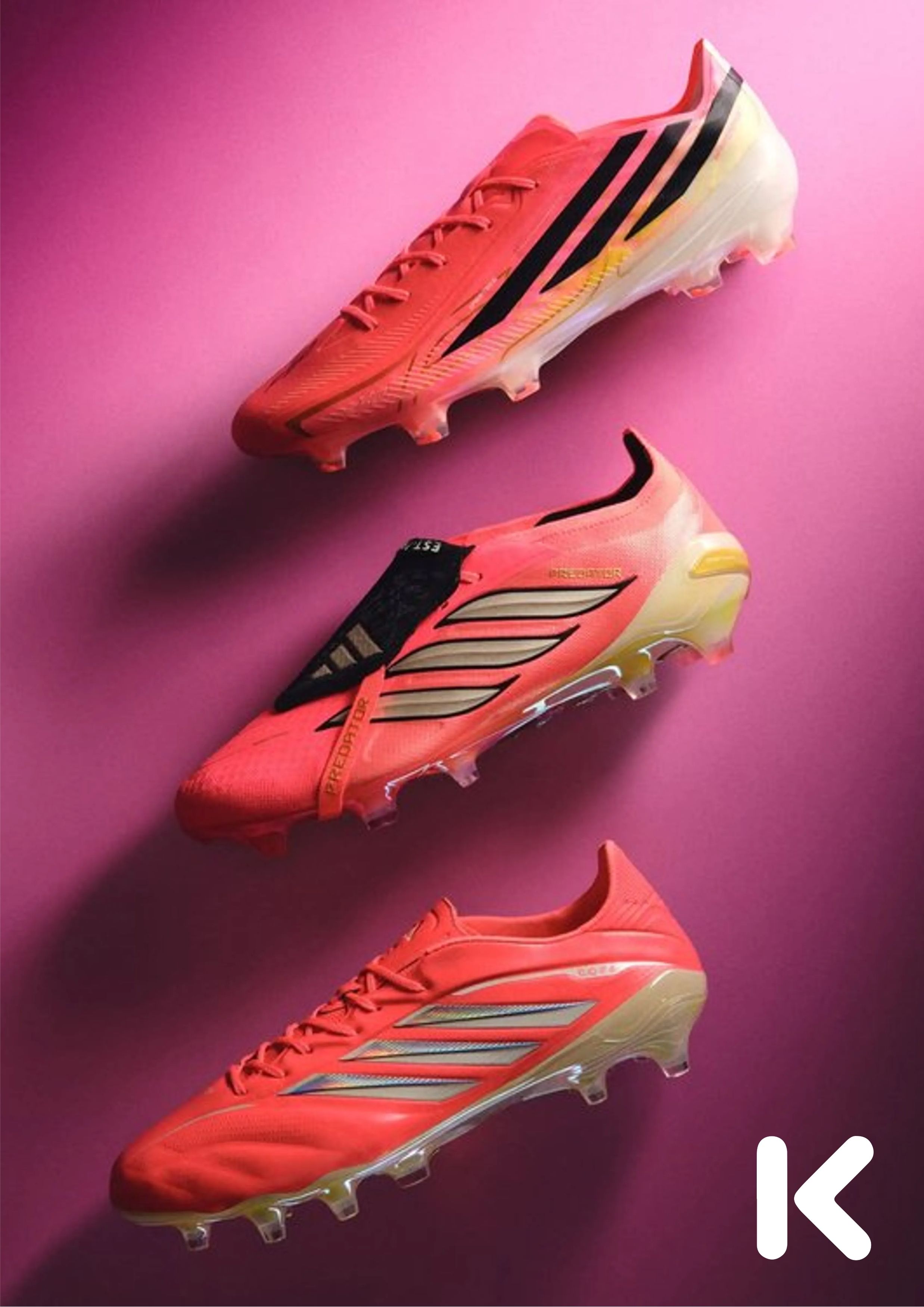
Printing.zone provides the physical assets businesses, creators, and partners need to promote, onboard, inform, and connect with customers.
Business Cards
Cards for businesses, creators, partners, introductions, events, and customer onboarding.

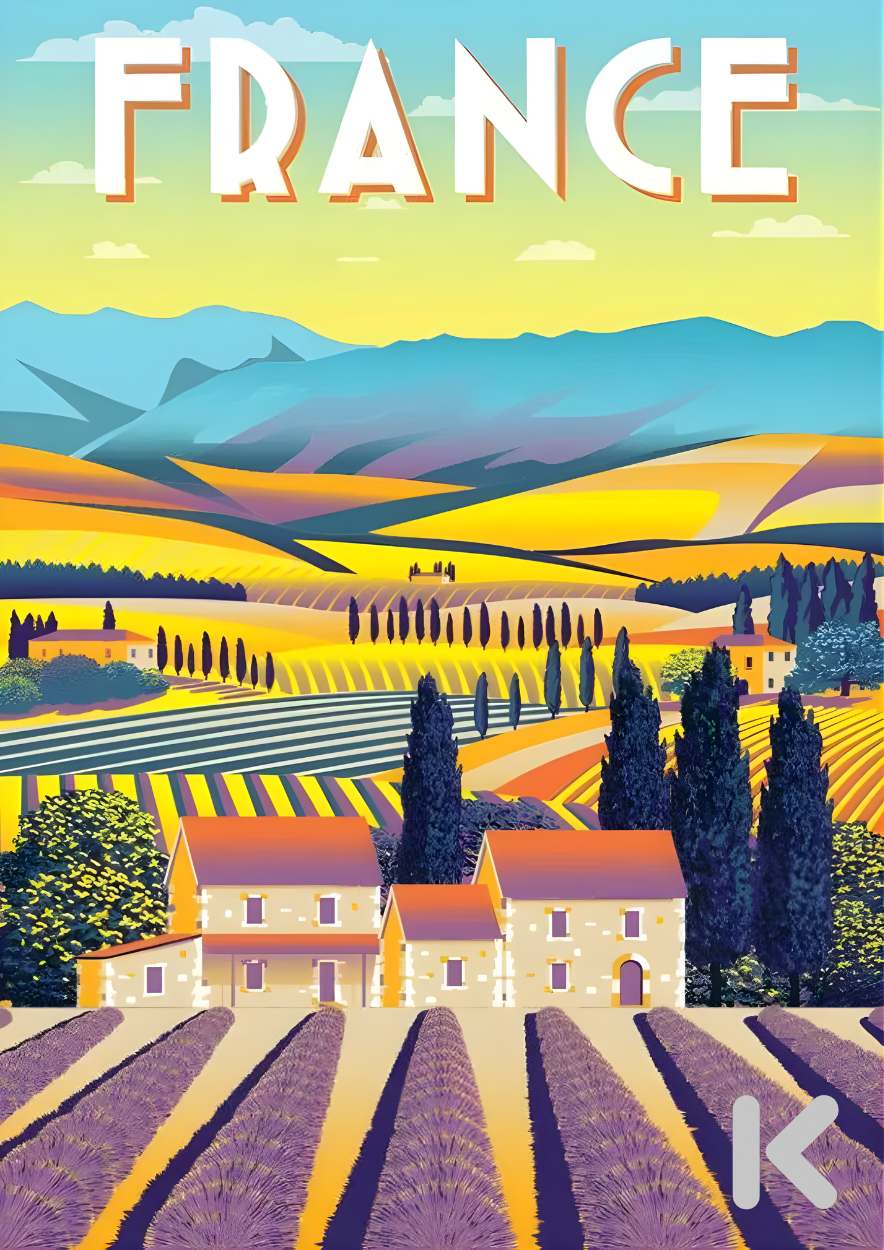
Posters & Banners
Campaign material for shops, venues, exhibitions, events, and local promotion.
Menus & Table Cards
Hospitality print that supports engagement, discovery, ordering, and connected experiences.
Brochures & Packaging
Printed material for brands, products, campaigns, information, and customer communication.
Regional Campaigns
Coordinated local print for communities, promoters, regional partners, and business zones.
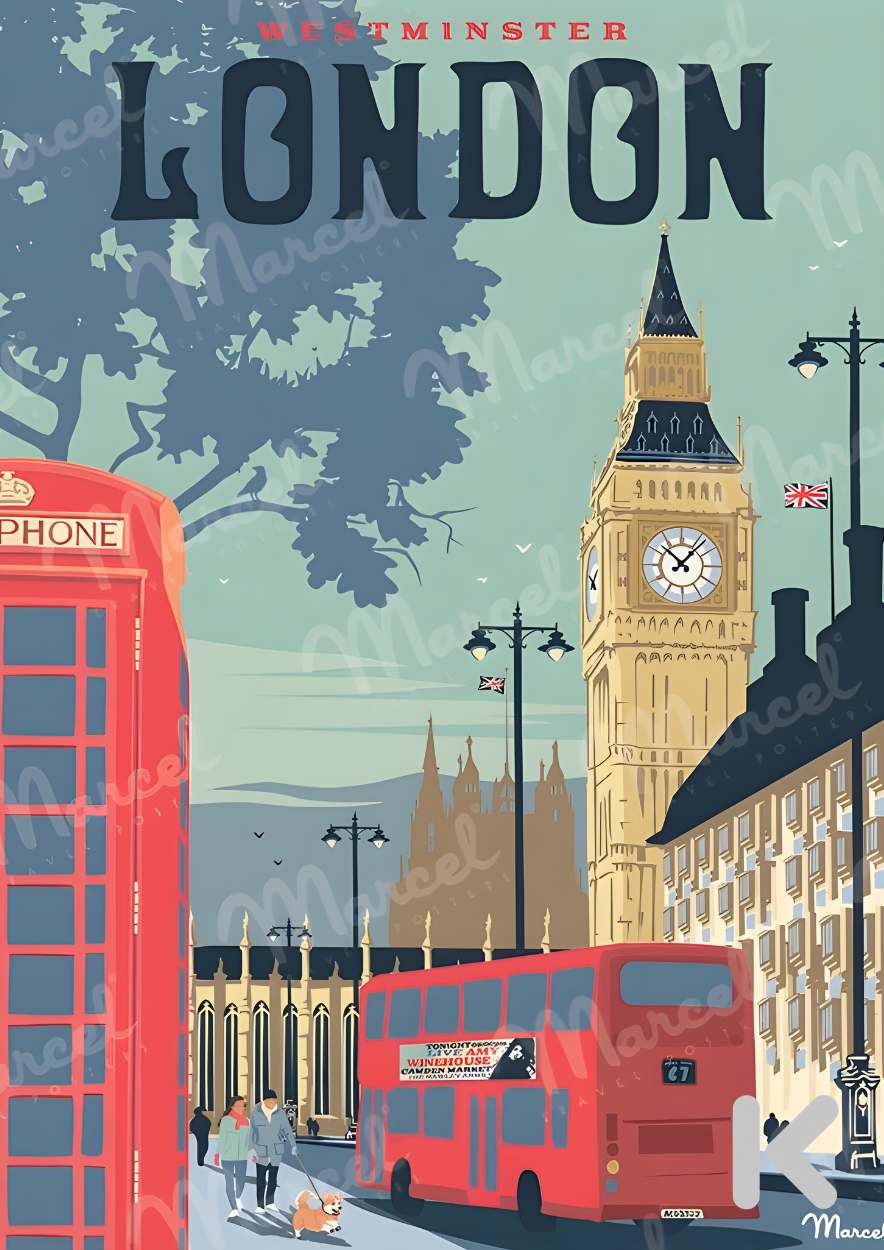
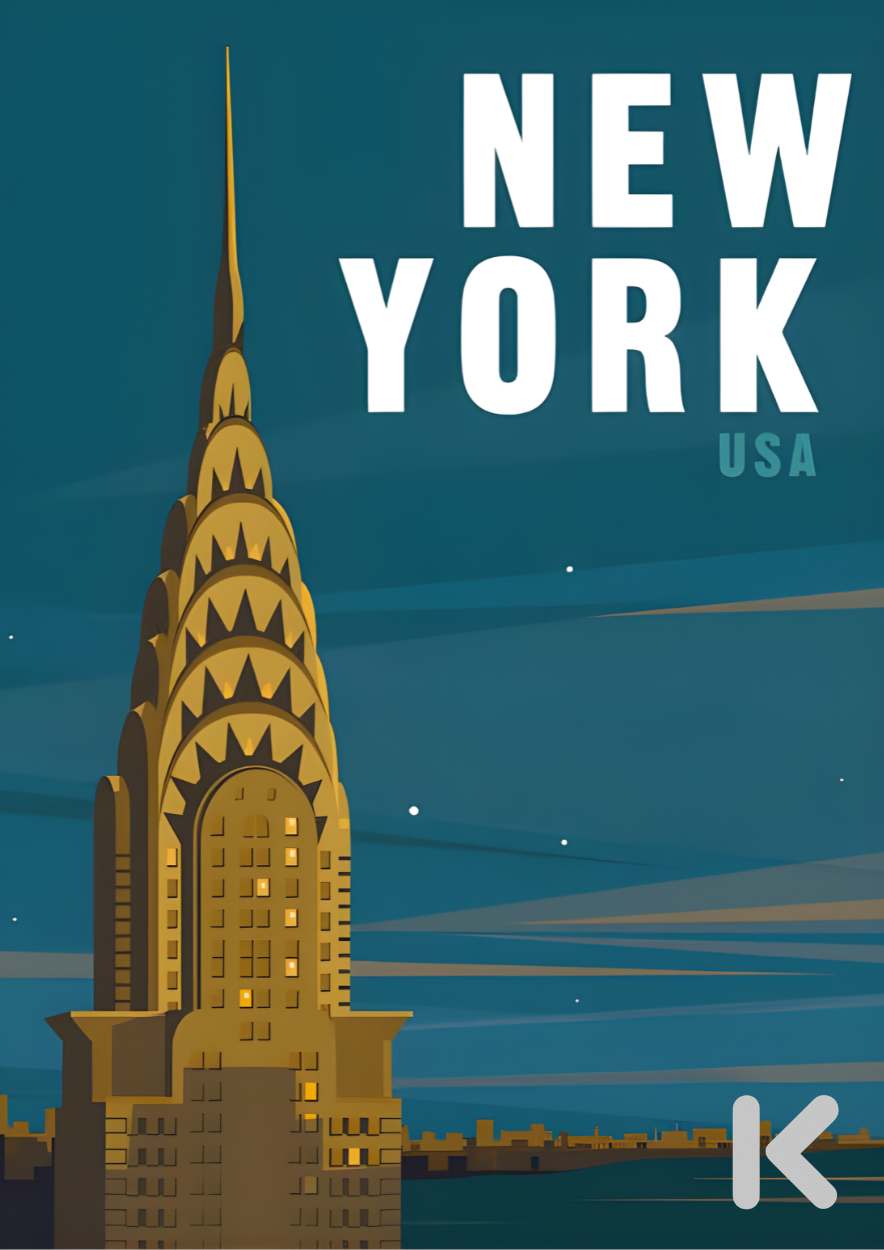

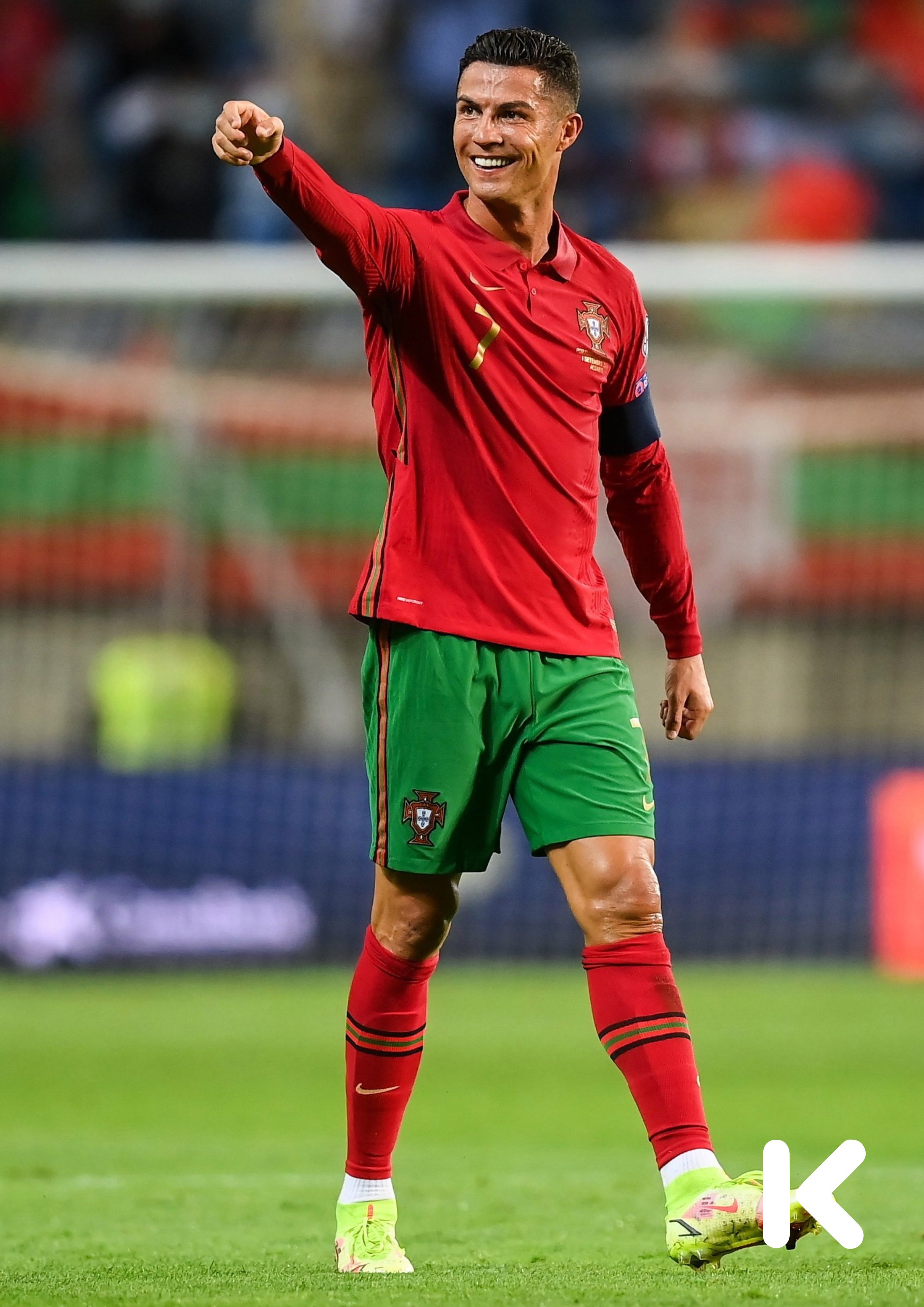



One brand. Many partner
identities.
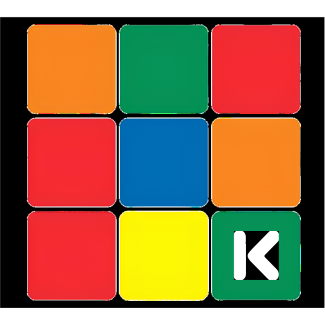
Each partner can use a unique 3×3 colour identity, a recognisable route back to their shop, region, or promoter identity.
Why it mattersPrint becomes
Print becomes
more than print.
A card, poster, banner, menu, brochure, or package can work independently as physical media or be registered as a recognised route into a relevant KLIPPS framework, service, campaign, or customer experience.
01Customer onboarding
02Business and campaign promotion
03Attributed partner orders
04Regional and community activity
05Connected KLIPPS experiences
06Real world routes into digital action
From physical print to connected KLIPPS
framework.
Connected print journey
CREATE & REGISTER
A business, creator, printer, or promoter prepares the physical asset and registers the approved artwork inside Printing.zone.
Orders entering through a partner identity can be attributed to the originating printer, creator, promoter, or regional partner.
ORDER & DISTRIBUTE
The print is produced, fulfilled, and distributed through the appropriate Printing.zone route.
CONNECT TO KLIPPS
When required, image recognition, a QR code, or the K marker opens the relevant KLIPPS framework.